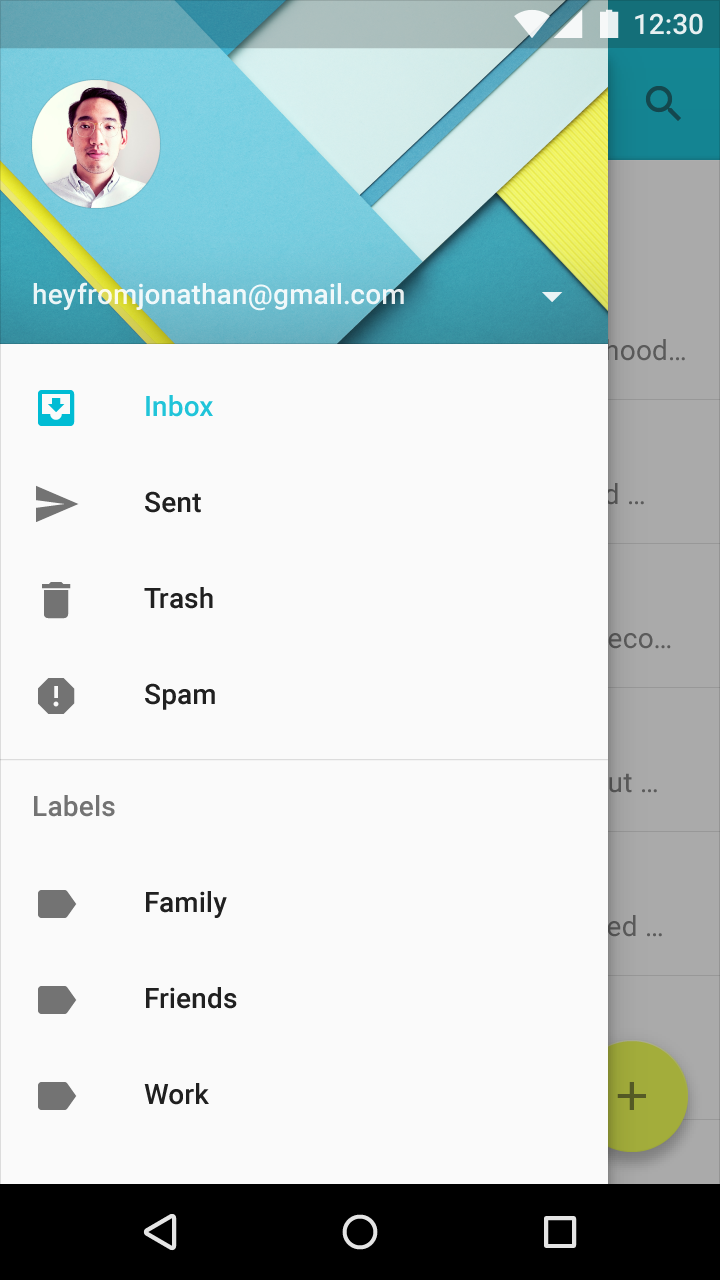
Subheaders
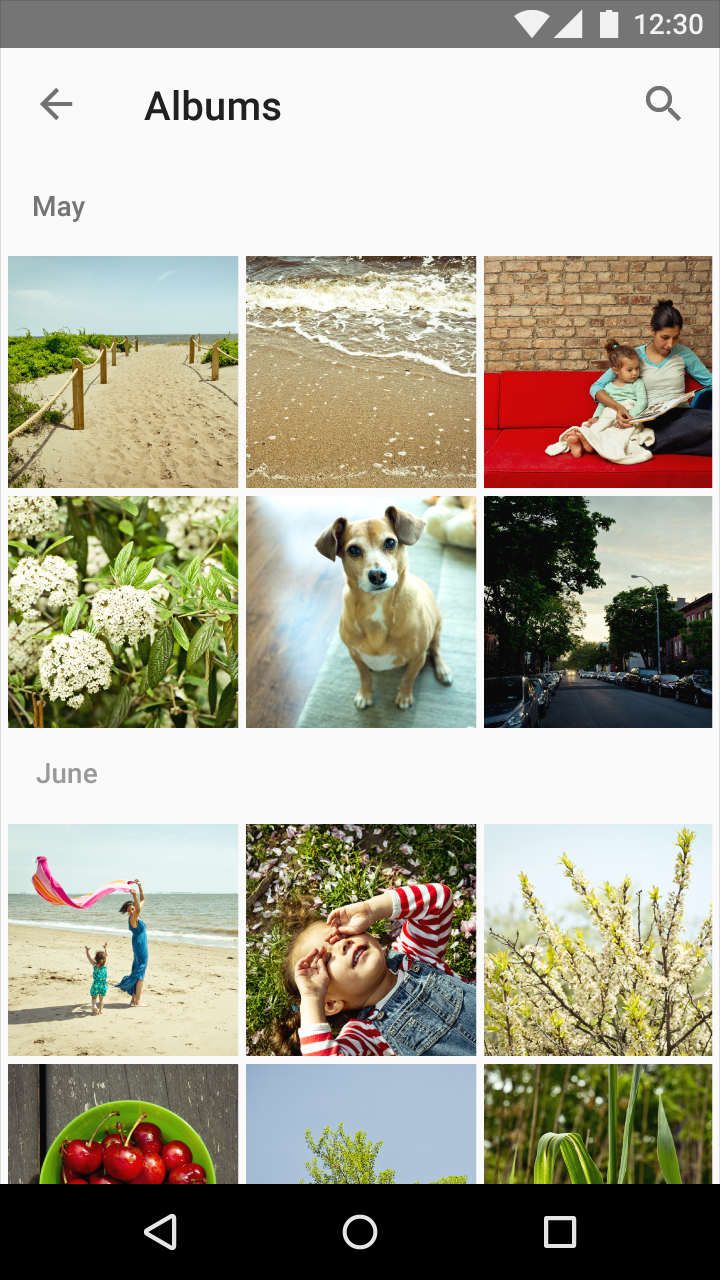
Subheaders are list tiles that delineate sections of a list or grid list.
Subheaders may be displayed inline with tiles or associated with content. They are typically related to filtering or sorting criteria.
Upon scrolling, subheaders remain pinned to the top of the screen until pushed off screen by the next subheader.

List subheaders
Specs
Tile height: 48dp
Subheader font: Roboto Medium 14sp
Color
Subheader color can either be the secondary grey text value (54% black) or the primary color of the app.
In long lists of complex information, consider using colored subheaders to delineate content. Android settings contain an example of how color can be used on subheaders.
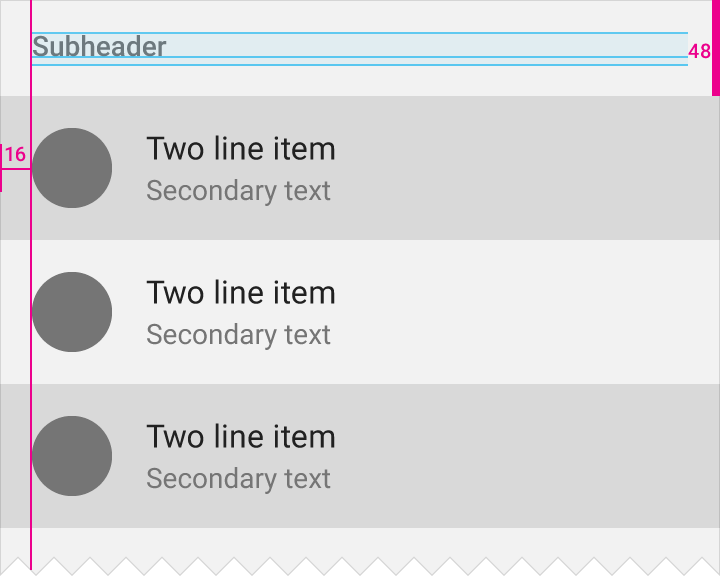
Padding: 16dp
Subheader tile height: 48dp
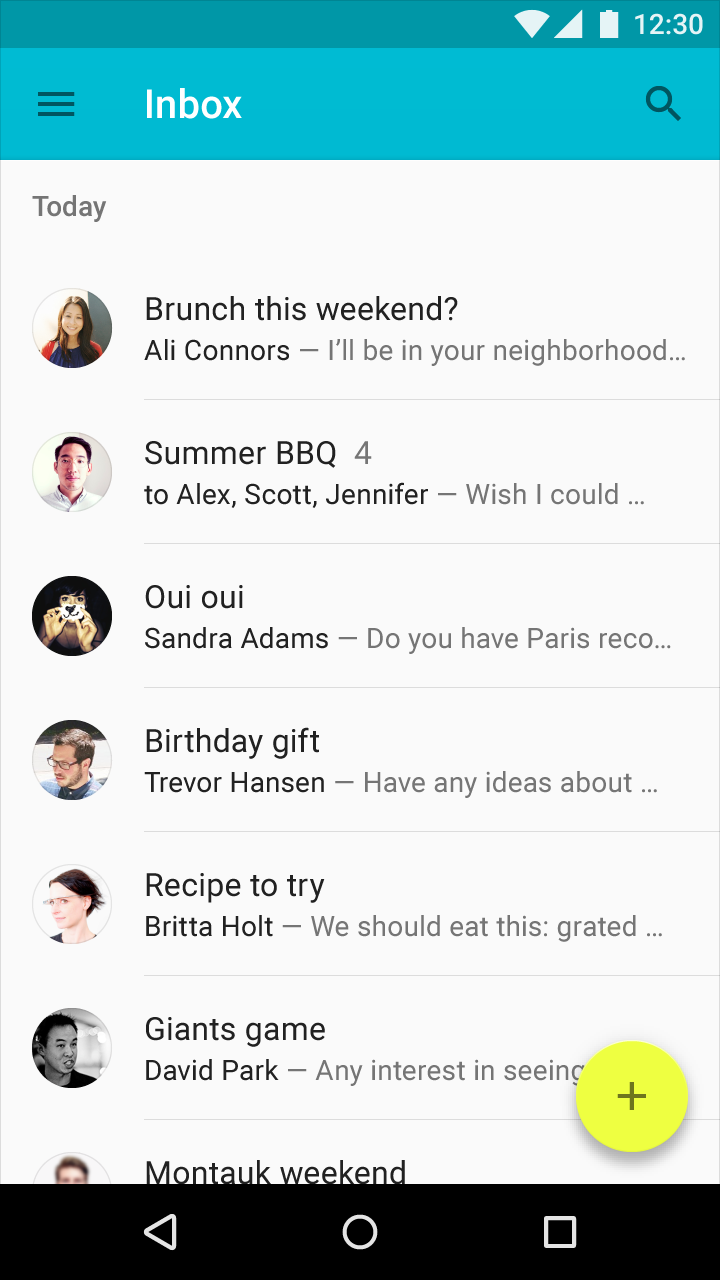
Alignment
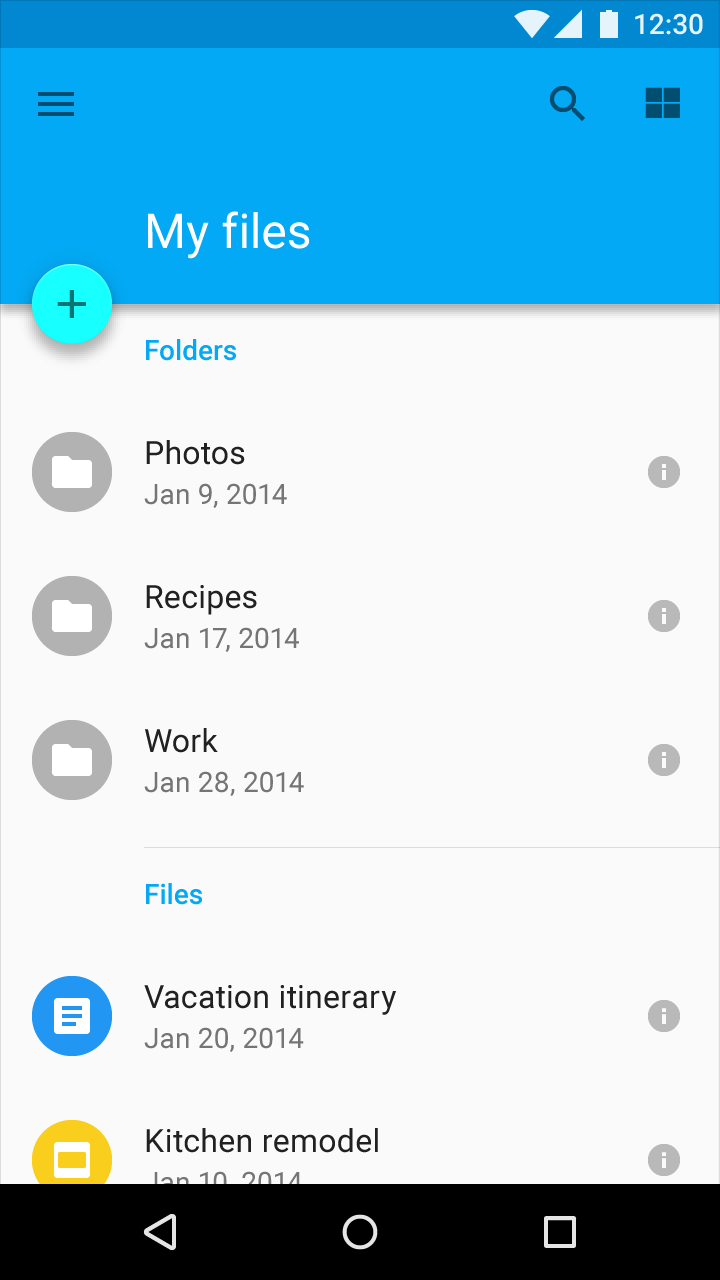
A subheader should be left-aligned with an avatar/icon in a list, unless there is a promoted action in that space.
If there is a floating action button left-aligned with the avatar/icon in a list, align the subheader with the text content.
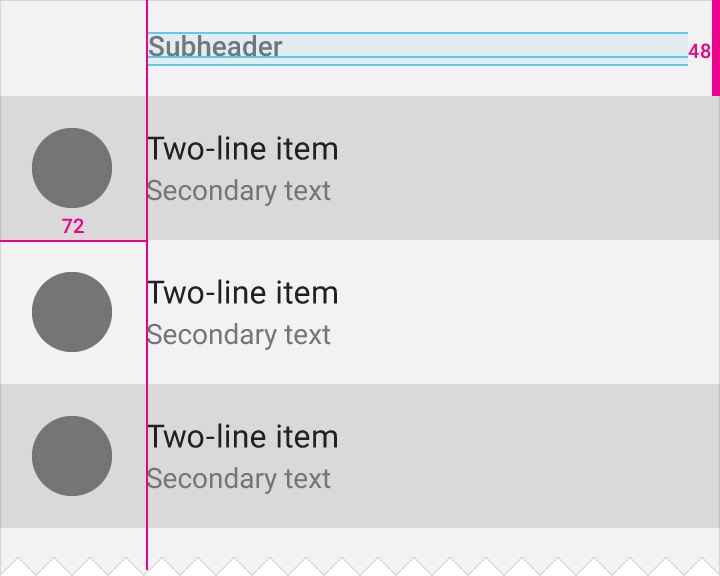
Subheader tile height: 48dp
Floating action button tile width: 72dp
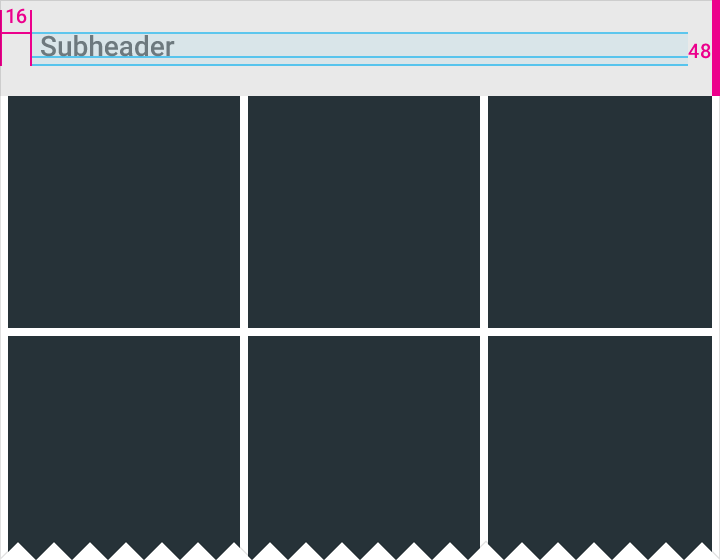
Grid subheaders
Tile height: 48dp
Subheader font: Roboto Medium 14sp
Subheader is aligned 16dp from the left edge
Menu subheaders
Tile height: 48dp
Subheader font: Roboto Medium 14sp
Subheader is aligned 16dp from the left edge
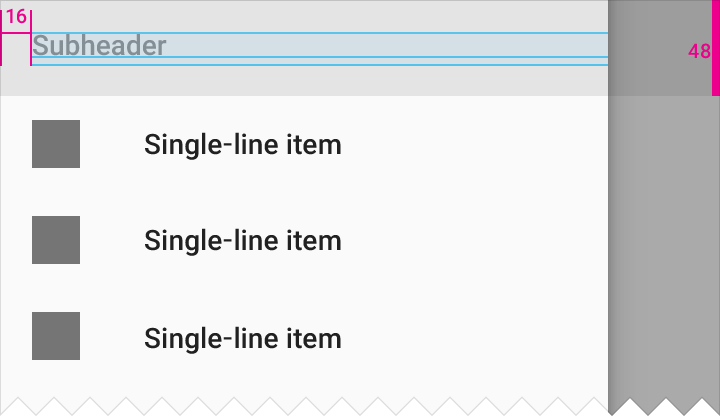
Subheader padding from left edge: 16dp
Tile height: 48dp