Environment
Material design is a three-dimensional environment containing light, material, and cast shadows.
All material objects have x, y, and z dimensions.
All material objects have a single z-axis position.
Key lights create directional shadows, and ambient light creates soft shadows.
Material thickness
1dp
Shadows
Shadows are created by the elevation difference between overlapping material.
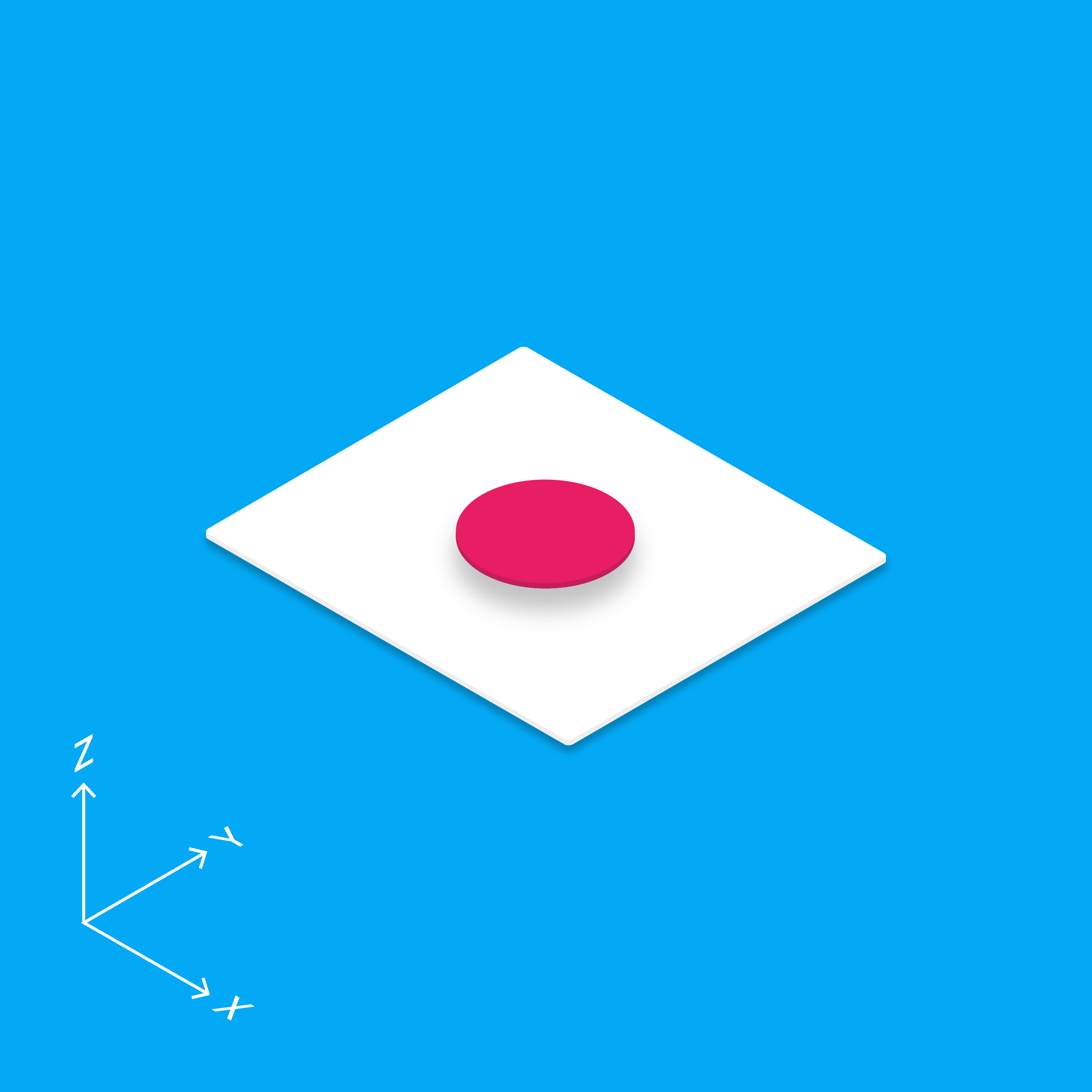
3D world
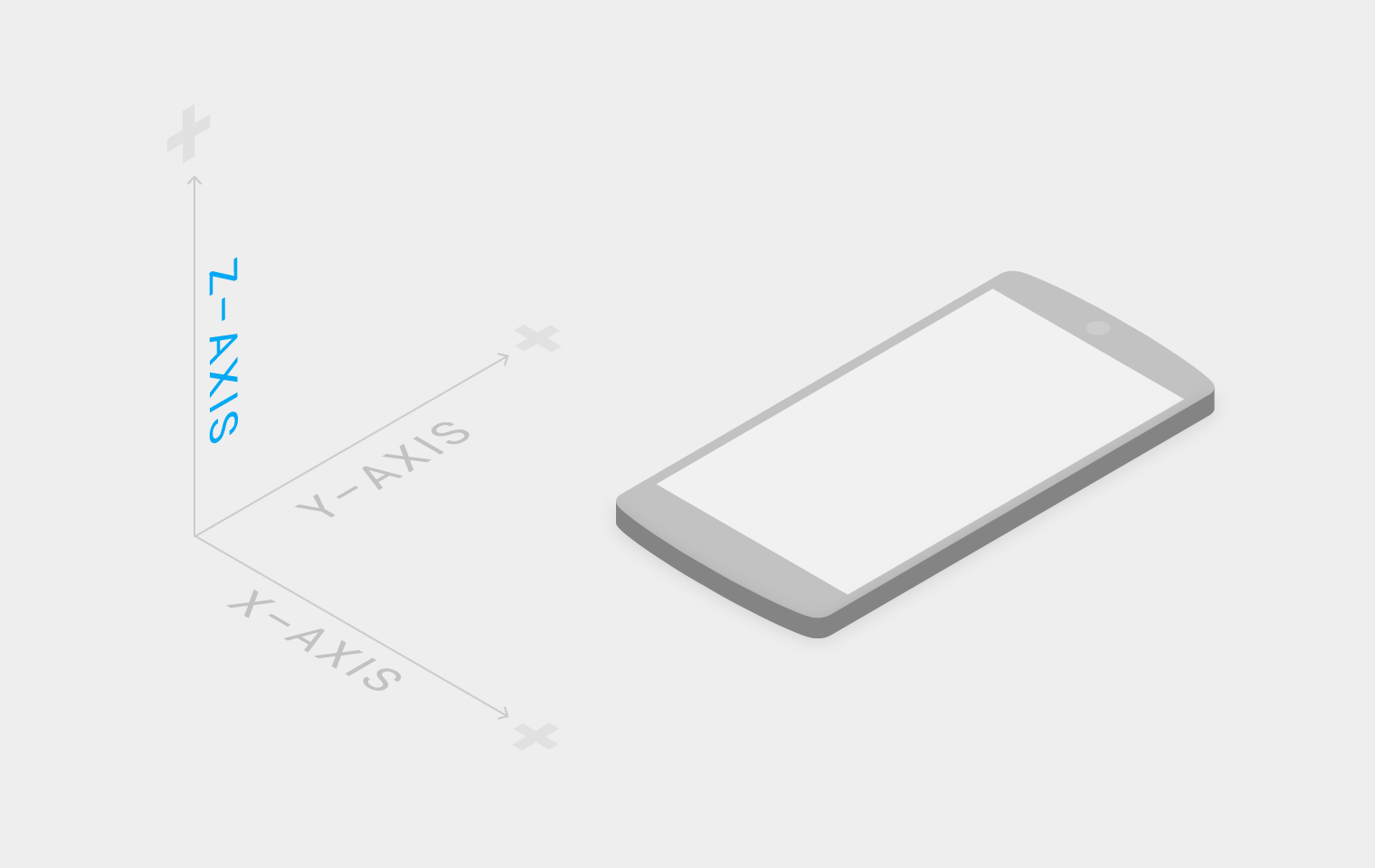
The material environment is a 3D space, which means all objects have x, y, and z dimensions. The z-axis is perpendicularly aligned to the plane of the display, with the positive z-axis extending towards the viewer. Every sheet of material occupies a single position along the z-axis and has a standard 1dp thickness, equivalent to one pixel of thickness on screens with a pixel density of 160.
On the web, the z-axis is used for layering and not for perspective. The 3D world is emulated by manipulating the y-axis.
Light and shadow
Within the material environment, virtual lights illuminate the scene. Key lights create directional shadows, while ambient light creates soft shadows from all angles.
Shadows in the material environment are cast by these two light sources. In Android development, shadows occur when light sources are blocked by sheets of material at various positions along the z-axis. On the web, shadows are depicted by manipulating the y-axis only. The following example shows the card with a height of 6dp.