Skip to content
Material Design 1
Main Navigation
v3
v2
v1

English

简体中文
繁體中文
Español
Français
Русский
Português – Brasil
Deutsch
日本語
한국어
Italiano
Polski
Türkçe
čeština
magyar

English

简体中文
繁體中文
Español
Français
Русский
Português – Brasil
Deutsch
日本語
한국어
Italiano
Polski
Türkçe
čeština
magyar

Appearance

Sidebar Navigation

Material Design

Environment

Material properties

Elevation & shadows

What's new

Motion

Material motion

Duration & easing

Movement

Transforming material

Choreography

Creative customization

Style

Color

Icons

Imagery

Typography

Writing

Layout

Principles

Units & measurements

Metrics & keylines

Structure

Responsive UI

Split screen

Components

Bottom navigation

Bottom sheets

Buttons

Buttons: Floating Action Button

Cards

Chips

Data tables

Dialogs

Dividers

Expansion panels

Grid lists

Lists

Lists: Controls

Menus

Pickers

Progress & activity

Selection controls

Sliders

Snackbars & toasts

Steppers

Subheaders

Tabs

Text fields

Toolbars

Tooltips

Widgets

Patterns

Confirmation & acknowledgement

Data formats

Empty states

Errors

Fingerprint

Gestures

Help & feedback

Launch screens

Loading images

Navigation

Navigation drawer

Navigational transitions

Notifications

Offline states

Permissions

Scrolling techniques

Search

Selection

Settings

Swipe to refresh

Growth & communications

Introduction

Onboarding

Feature discovery

Gesture education

Usability

Accessibility

Bidirectionality

Platforms

Platform adaptation

Android

Resources

Color palettes

Devices

Layout templates

Roboto & Noto fonts

Sticker sheets & icons

Shadows

On this page

Material properties ​

Material has certain immutable characteristics and inherent behaviors.

Understanding these qualities of material will help you manipulate material in a way that's consistent with the vision of material design.

Material characteristics

Solid
Occupies unique points in space
Impenetrable
Mutable shape
Changes in size only along its plane
Unbendable
Can join to other material
Can separate, split, and heal
Can be created or destroyed
Moves along any axis

Material Design material properties overview

Physical properties ​

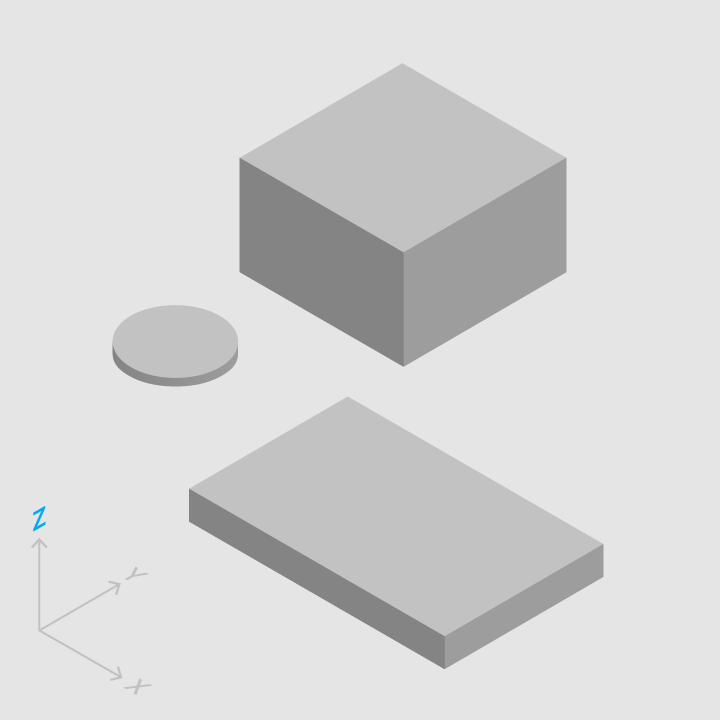
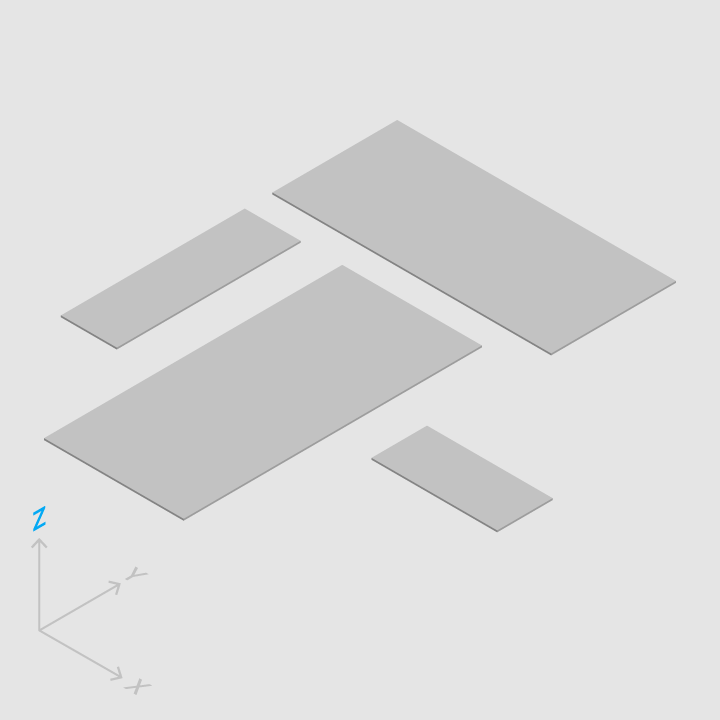
Material has varying x & y dimensions (measured in dp) and a uniform thickness (1dp).
Material Design: the height and width of material can vary

Do.

The height and width of material can vary.
Material Design: material is always 1dp thick

Don't.

Material is always 1dp thick.

Material casts shadows.

Shadows result naturally from the relative elevation (z-position) between material elements.

Do.

Shadows depict the relative elevation between material elements.

Don't.

Shadows are never approximated by coloring material.

Content is displayed on material, in any shape and color. Content does not add thickness to material.

Do.

Material can display any shape and color.

Content can behave independently of the material, but is limited within the bounds of the material.

Do.

Content behavior can be independent of the behavior of material.

Material is solid.

Input events cannot pass through material.

Material Design: input events only affect the foreground material

Do.

Input events only affect the foreground material.
Material Design: input events cannot pass through material

Don't.

Input events cannot pass through material.

Multiple material elements cannot occupy the same point in space simultaneously.
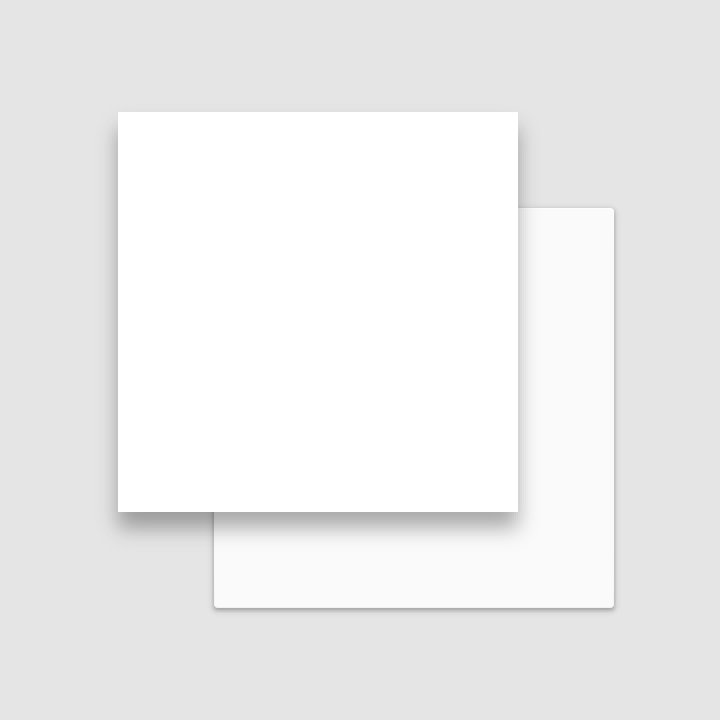
Material Design: using elevation to separate material elements so they do not occupy the same point in space

Do.

Using elevation to separate material elements is one method of preventing multiple material elements from occupying the same point in space simultaneously.
Material Design: multiple material elements cannot occupy the same point in space simultaneously

Don't.

Multiple material elements cannot occupy the same point in space simultaneously.

Material cannot pass through other material.

For example, one sheet of material cannot pass through another sheet of material when changing elevation.

Don't.

Material cannot pass through other material.

Transforming material ​

Material can change shape.

Material can change shape.

Material grows and shrinks only along its plane.

Do.

Material grows and shrinks only along its plane.

Material never bends or folds.

Don't.

Material never bends or folds.

Sheets of material can join together to become a single sheet of material.

Multiple sheets of material can join together to become a single sheet.

When split, material can heal. For example, if you remove a portion of material from a sheet of material, the sheet of material will become a whole sheet again.

Material can split and become whole again.

Movement of material ​

Material can be spontaneously generated or destroyed anywhere in the environment.

Material can be spontaneously generated or destroyed.

Material can move along any axis.

Material can move along various axes.

Z-axis motion is typically a result of user interaction with material.

Z-axis motion prompted by user interaction.
Pager
Previous pageEnvironment
Next pageElevation & shadows

Released under the Apache-2.0

Copyright © 2014-Present Google

https://m1.material.io/material-design/material-properties.html

Released under the Apache-2.0

Copyright © 2014-Present Google