

Swipe to refresh
Swipe to refresh manually refreshes screen content with a user action or gesture.
There are two methods for updating content in an app:
- The preferred method is to automatically update content using sync, which keeps app content automatically updated
- Swipe to refresh is a swipe gesture available at the beginning of lists, grid lists, and card collections that are sorted by recent content
Manual refreshing can supplement syncing. It maintains the current scroll position, as when checking for new mail in Gmail.
Icon
The refresh indicator is represented by a circular spinner, an icon with a curved arrow that spins in a circular motion.
Position
- The swipe to refresh gesture is available at the top or bottom of content collections
- The refresh indicator’s resting position is centered horizontally relative to refreshing content
Threshold
The refresh indicator must pass a threshold before an app refreshes, as indicated by the circular spinner’s opacity, speed, and translation changes.

Usage
Swipe to refresh is a swipe gesture available at the beginning of lists, grid lists, and card collections where the most recent content appears (Index 0).
It’s best to use this gesture with dynamic content that has frequent updates surfacing from a consistent location, where users have a high probability of seeing new content after initiating the gesture.
Refresh indicator
The refresh indicator appears only in conjunction with a refresh gesture or action. Syncing does not display a refresh indicator.
Effects
Changes may not be immediately obvious to users when this gesture is used in views that can change significantly upon refresh. For example, the refresh may non-sequentially delete, reorder, modify, and insert items or change only off-screen items.
Refresh the contents of a view via a vertical swipe gesture
Swipe to refresh should not be used in the following situations:
- Navigation drawers
- Home screen widgets
- Pannable content
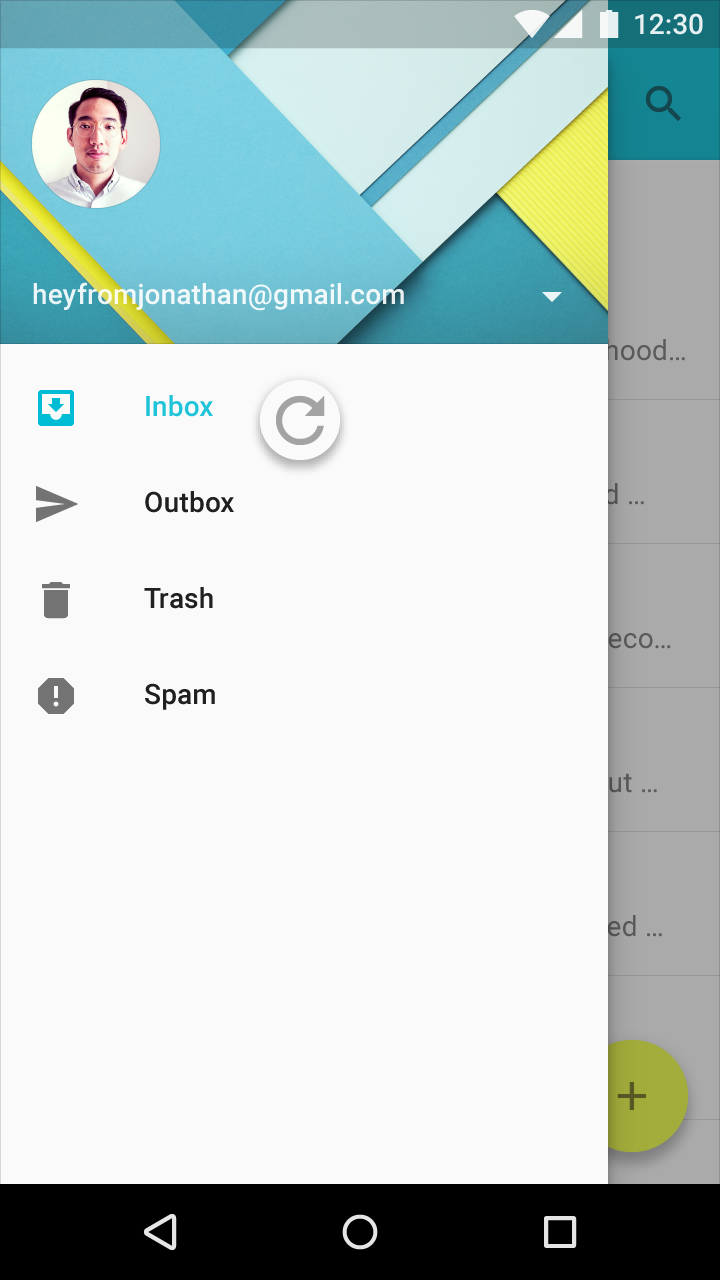
Don’t.
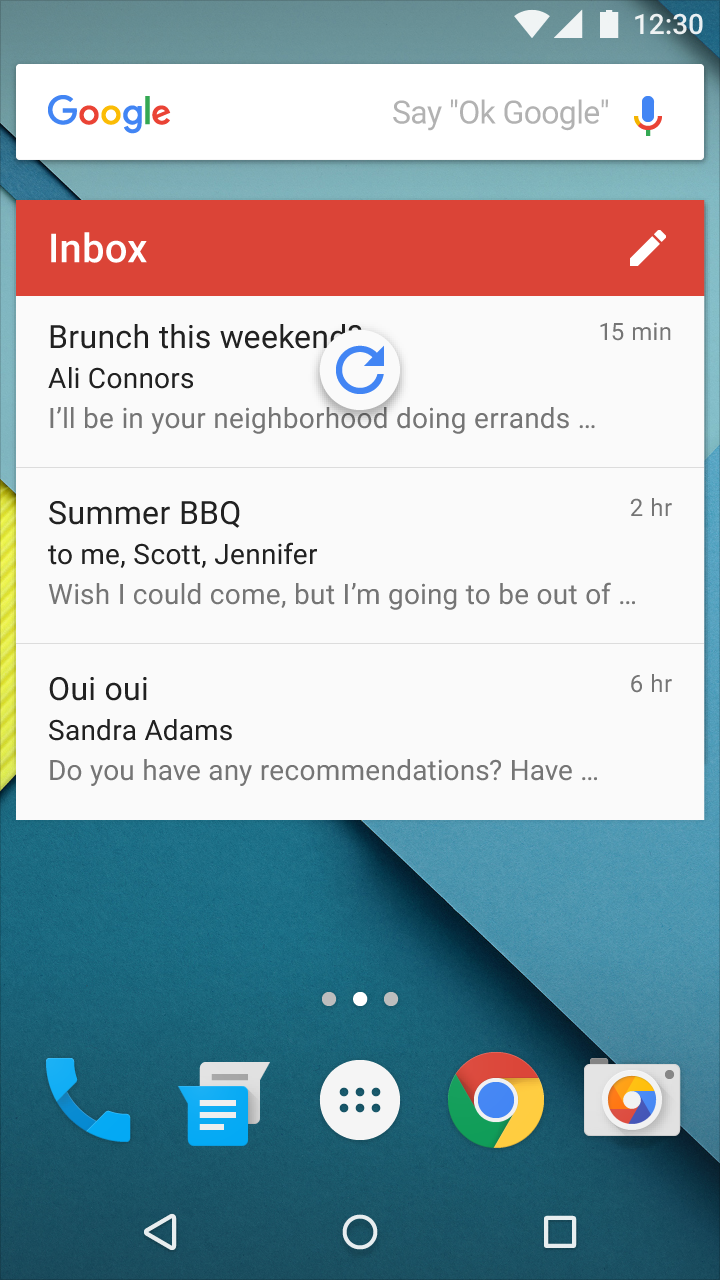
Don’t.
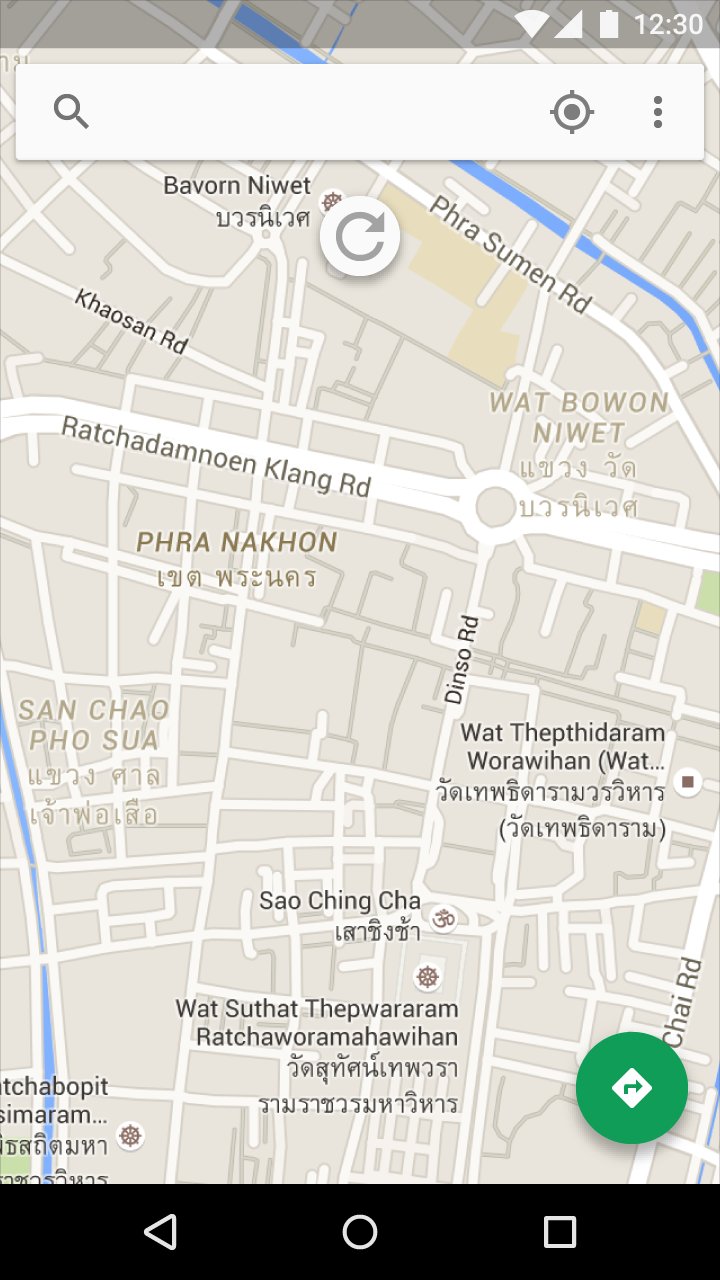
Don’t.
Positioning
Gesture positioning
Typically, this gesture is available at the top of content collections, but it can also be at the bottom (for example, in chat applications).
Refresh indicator resting position
The refresh indicator, when resting, is centered horizontally relative to refreshing content.

Do.

Don’t.

Don’t.
Refresh indicator active position
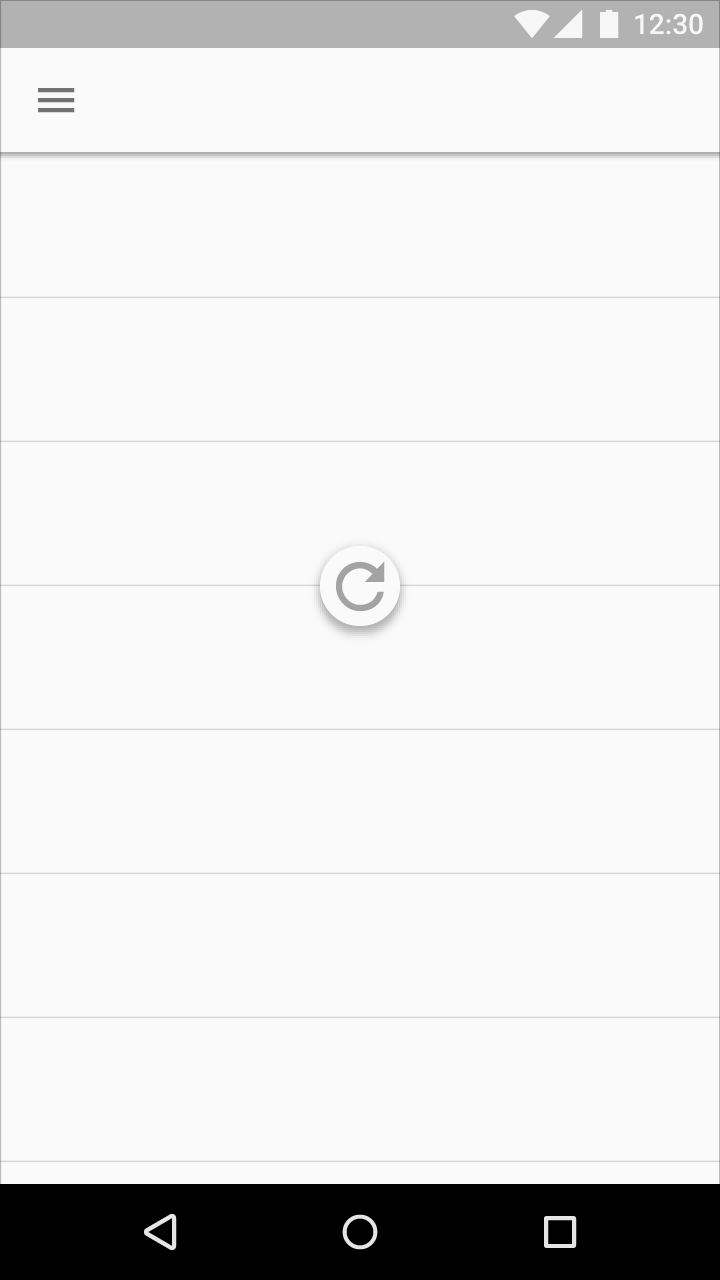
The refresh indicator is located near the top of refreshing content.
Its exact vertical resting position can be adjusted to promote visual harmony with the underlying layout. For example, the indicator may fall on a material edge or grid line, as long as it’s located near the top of the refreshing content.
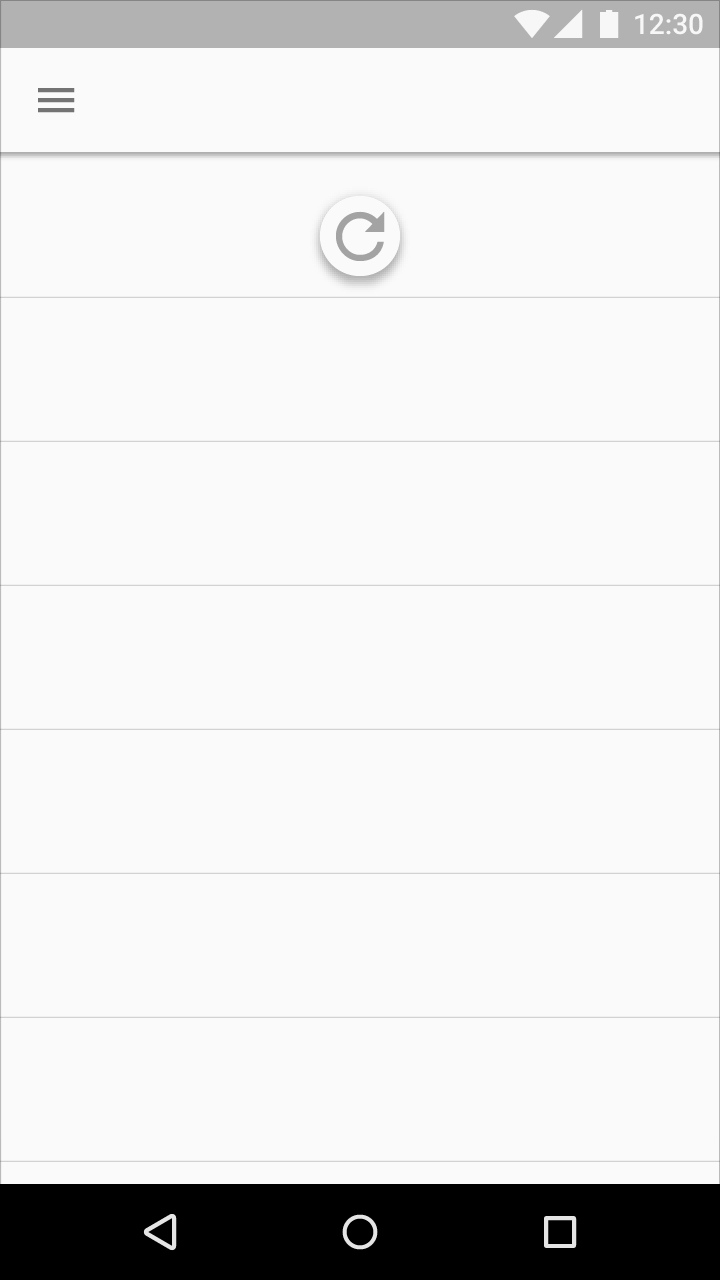
Do.
Don’t.
Behavior
As the refresh indicator translates and/or scales into view, the circular spinner fades in while rotating.
The refresh indicator remains visible until the refresh activity completes and any new content is visible, or the user navigates away from the refreshing content.
Do.
Don’t.
Refresh indicator transitions
When another surface is in front of the material with refreshing content, the refresh indicator translates from underneath that surface and is clipped until it is fully visible.
The refresh indicator increases in size as it translates when:
- The refreshing material is at a higher elevation than all other surfaces
- A content refresh is initiated via an app bar or overflow menu action
Threshold requirements
To ensure intentional usage of the swipe to refresh gesture, the refresh indicator must pass a threshold before the app will refresh. This threshold is indicated by a number of cues:
- The circular spinner reaches 100% opacity
- The rotation of the circular spinner slows down
- The rate of translation of the refresh indicator slows down
After passing the threshold, completing the gesture will initiate a refresh.
Reversing the gesture past the threshold will cancel the refresh action.