Skip to content
Material Design 1
Main Navigation
v3
v2
v1

English

简体中文
繁體中文
Español
Français
Русский
Português – Brasil
Deutsch
日本語
한국어
Italiano
Polski
Türkçe
čeština
magyar

English

简体中文
繁體中文
Español
Français
Русский
Português – Brasil
Deutsch
日本語
한국어
Italiano
Polski
Türkçe
čeština
magyar

Appearance

Sidebar Navigation

Material Design

Environment

Material properties

Elevation & shadows

What's new

Motion

Material motion

Duration & easing

Movement

Transforming material

Choreography

Creative customization

Style

Color

Icons

Imagery

Typography

Writing

Layout

Principles

Units & measurements

Metrics & keylines

Structure

Responsive UI

Split screen

Components

Bottom navigation

Bottom sheets

Buttons

Buttons: Floating Action Button

Cards

Chips

Data tables

Dialogs

Dividers

Expansion panels

Grid lists

Lists

Lists: Controls

Menus

Pickers

Progress & activity

Selection controls

Sliders

Snackbars & toasts

Steppers

Subheaders

Tabs

Text fields

Toolbars

Tooltips

Widgets

Patterns

Confirmation & acknowledgement

Data formats

Empty states

Errors

Fingerprint

Gestures

Help & feedback

Launch screens

Loading images

Navigation

Navigation drawer

Navigational transitions

Notifications

Offline states

Permissions

Scrolling techniques

Search

Selection

Settings

Swipe to refresh

Growth & communications

Introduction

Onboarding

Feature discovery

Gesture education

Usability

Accessibility

Bidirectionality

Platforms

Platform adaptation

Android

Resources

Color palettes

Devices

Layout templates

Roboto & Noto fonts

Sticker sheets & icons

Shadows

On this page

Principles ​

Material design is guided by print-based design elements – such as typography, grids, space, scale, color, and imagery – to create hierarchy, meaning, and focus that immerse the user in the experience. Material design adopts tools from the field of print design, like baseline grids and structural templates, encouraging consistency across environments by repeating visual elements, structural grids, and spacing across platforms and screen sizes. These layouts scale to fit any screen size, which simplifies the process of creating scalable apps.

How paper works ​

In material design, the physical properties of paper are translated to the screen. The background of an application resembles the flat, opaque texture of a sheet of paper, and an application’s behavior mimics paper’s ability to be re-sized, shuffled, and bound together in multiple sheets.

The surfaces that comprise applications are referred to in this spec as material, or sheets of material.

Elements outside of applications, such as system bars, are separate from the app content beneath them, and are not treated as material.

For detailed information about material, see Material Properties.

Seams

Two sheets of material that share an entire common edge are called seams. While joined by a seam, they move together.
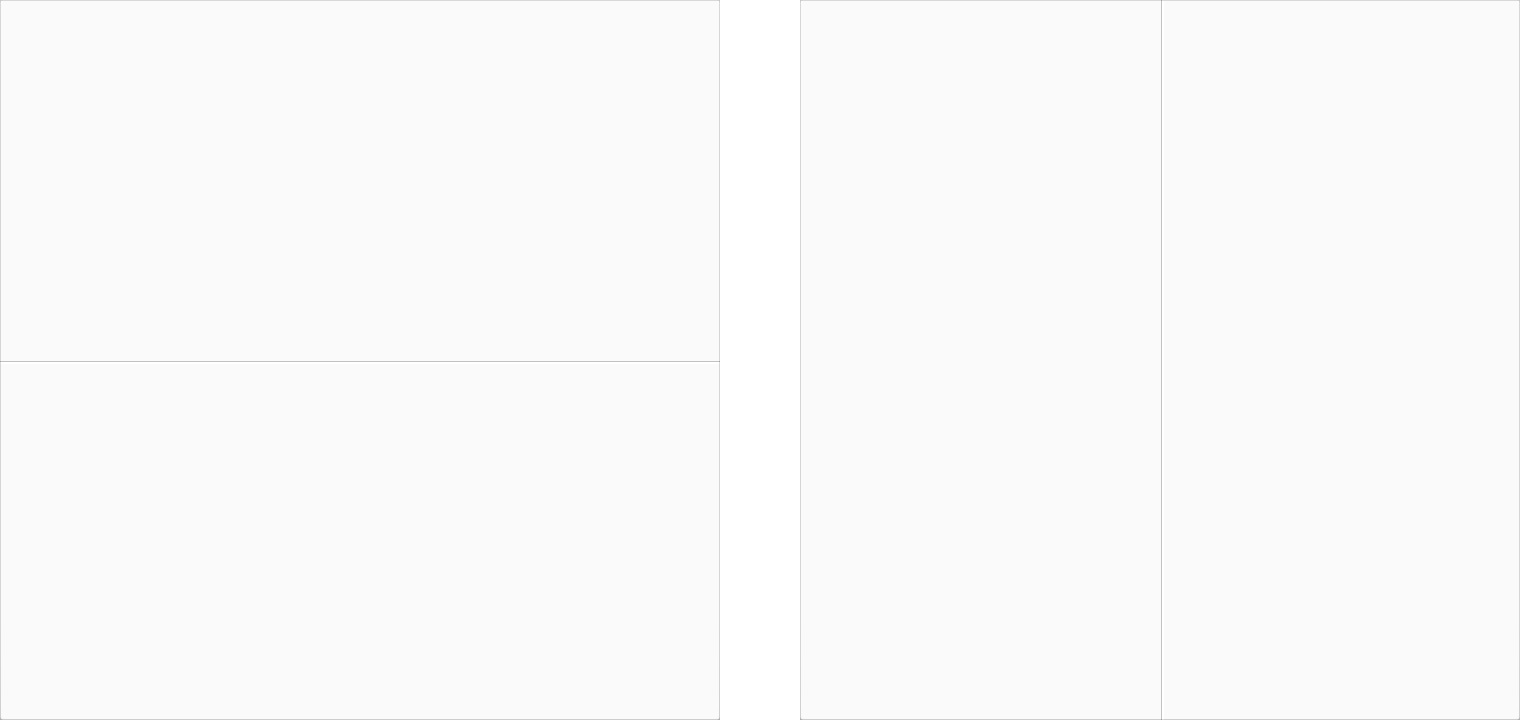
Seams in two sheets of material - Material Design
Seams in two sheets of material

Steps

Two overlapping sheets of material, with different z-positions (or depths), form a step. They move independently of each other.

Two sheets of overlapping material in Material Design
Steps in two sheets of overlapping material

Floating action button ​

Floating action button

A floating action button is a circular sheet separate from a toolbar. It represents a single promoted action.

It can straddle a step if it relates to the content creating that step.
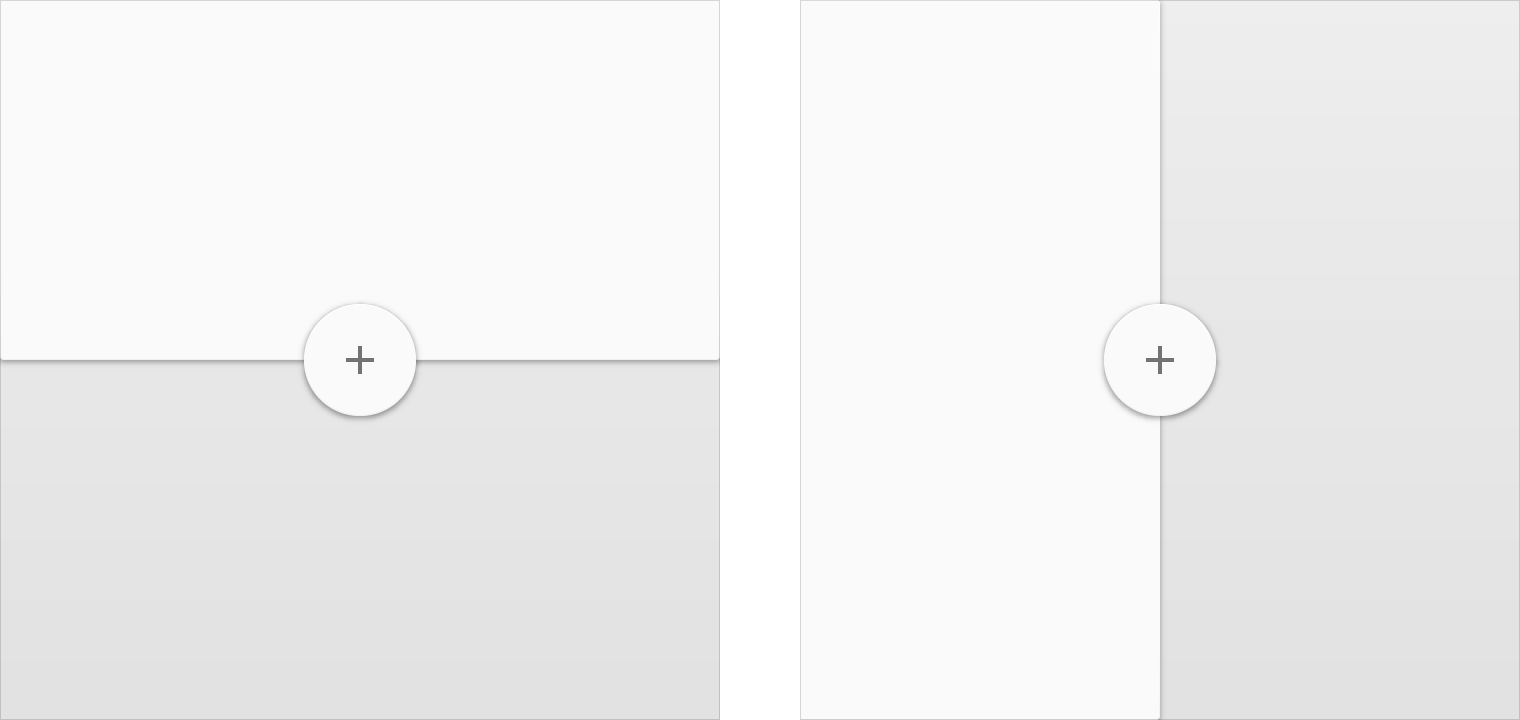
Material Design floating action buttons for steps
Floating action buttons straddling steps

A floating action button can straddle a seam if it relates to the content of both sheets.

Do not introduce a decorative seam to provide an anchoring point for an action.
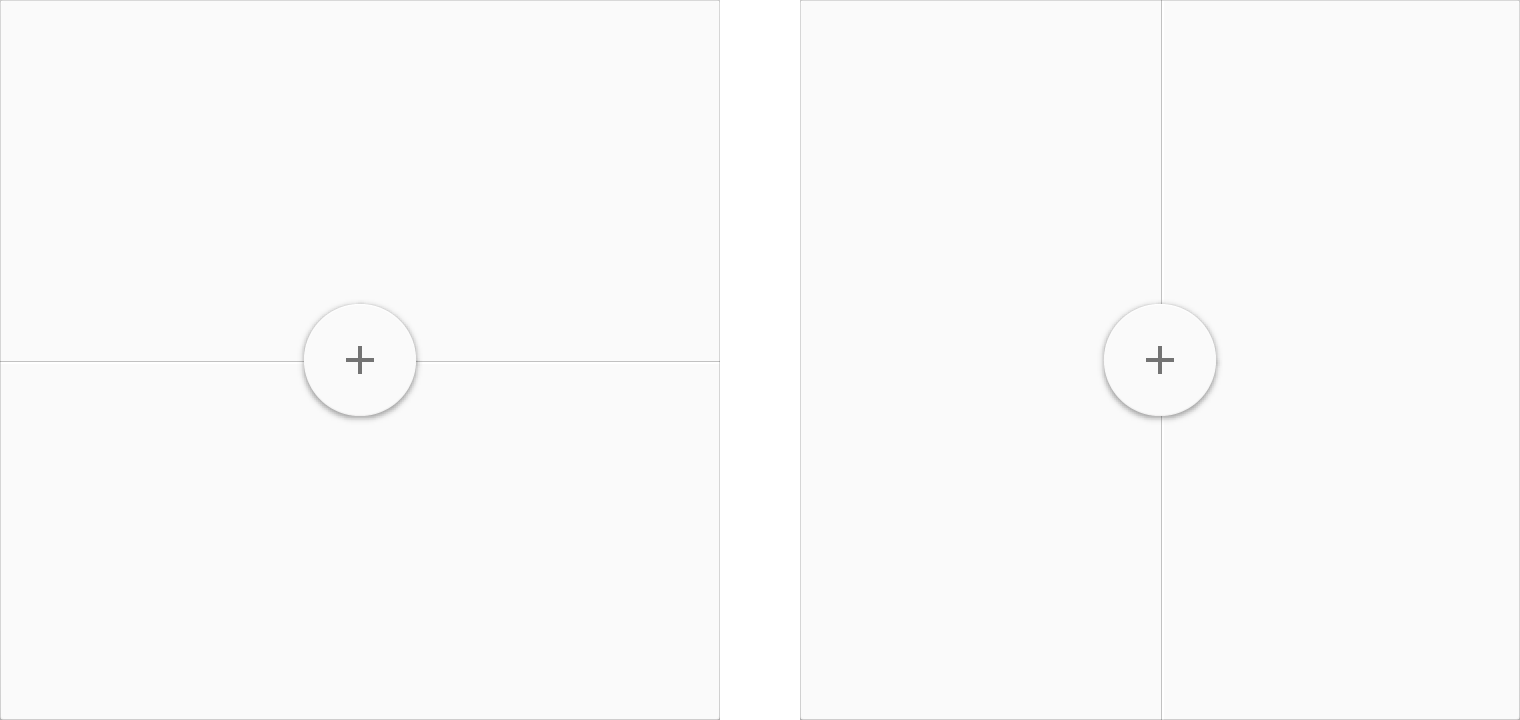
Floating action buttons with Material Design seams
Floating action buttons straddling seams

For detailed information about floating action buttons, see Floating Action Buttons.

Pager
Previous pageWriting
Next pageUnits & measurements

Released under the Apache-2.0

Copyright © 2014-Present Google

https://m1.material.io/layout/principles.html

Released under the Apache-2.0

Copyright © 2014-Present Google