Permissions
Permission requests should be simple, transparent, and understandable.
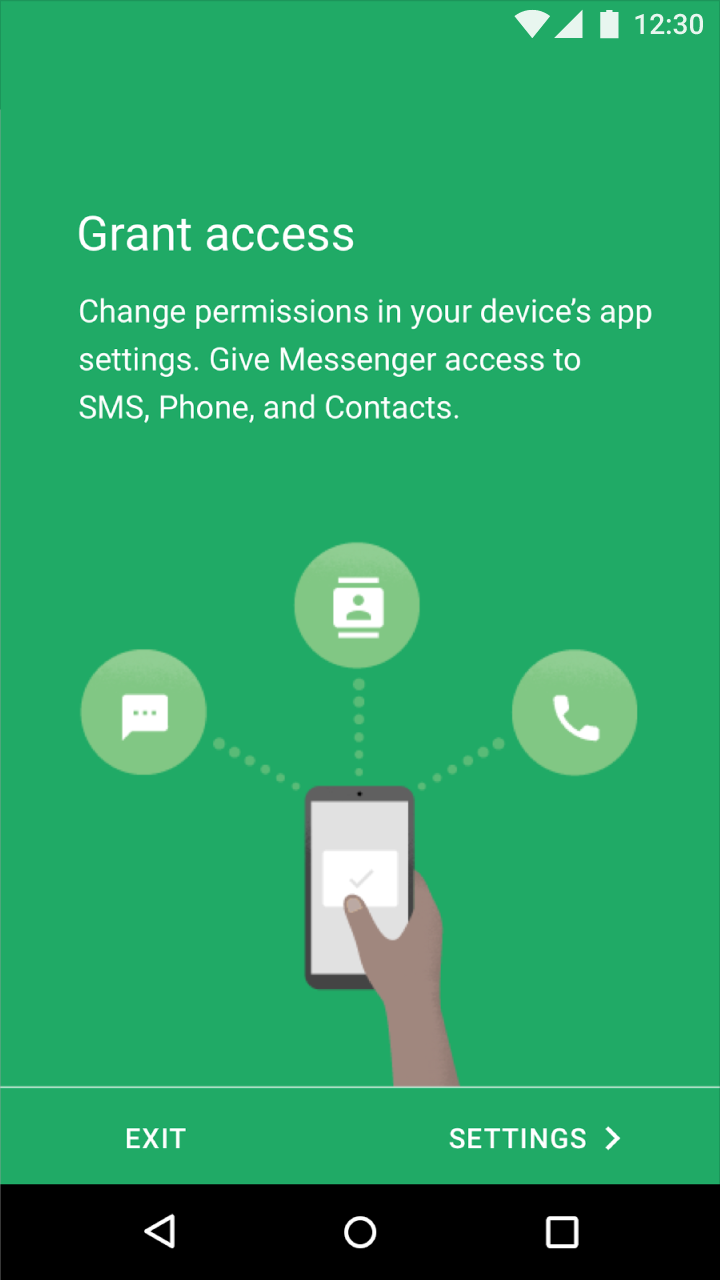
Apps should clarify why each permission request is needed, either through the feature name or an explanation provided.
Runtime permissions are requested at the moment a user needs to perform an action in an app.
Denied permissions should provide feedback and options.
Types of permissions
Educate before asking
Ask up-front
Ask in context
Educate in context
Provide an immediate benefit
Only ask for relevant permissions

Usage
Permission groups
Permissions are divided into nine groups, allowing users to grant all permissions encompassed by a single action. For instance, granting permission to Contacts includes the ability to both view and edit Contacts.
| Permission | Description |
|---|---|
| Calendar | Managing calendars |
| Camera | Taking photos and recording videos |
| Contacts | Managing contacts |
| Location | Current device location |
| Microphone | Audio recording |
| Phone | Dialing and managing phone calls |
| Body Sensors | Heart rate and similar data |
| SMS | Sending and viewing messages |
| Storage | Accessing photos, media, and files |
Implied permission
A user may perform an action that demonstrates clear intent, such as:
- Taking a picture
- Selecting a contact
- Starting a call or text message
In these cases, the user’s action clearly demonstrates their intent, and no permission dialog is needed or authorized.
Using intents to request actions from apps
Runtime permissions
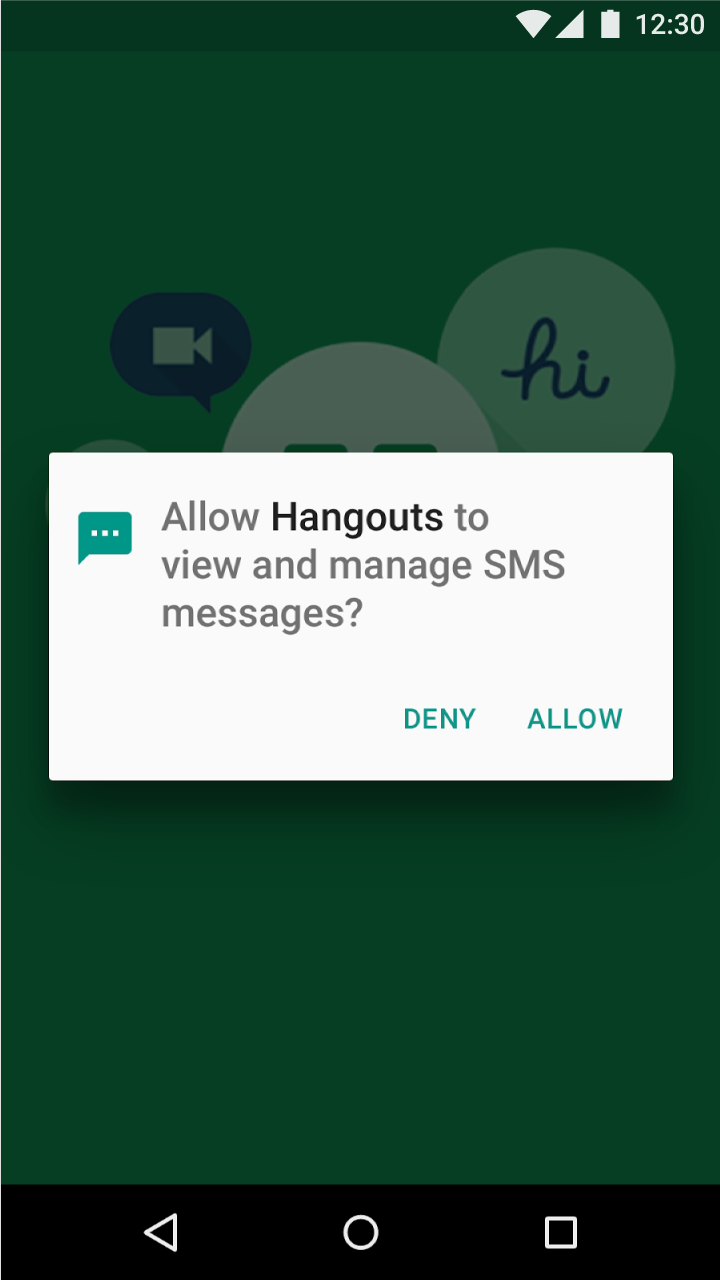
Apps may request permission to access information or use device capabilities at any time after installation. When a user needs to perform an action in an app, such as using the device camera, the app may request permission at that moment.
Users may also allow or deny the permissions of any app from Android Settings anytime after installation.
Request patterns
App permissions that users believe are relevant to the app’s function are more likely to be granted. The following request patterns will help you decide when and how to request permissions, based on:
- A permission’s importance to the app’s core function
- The clarity of the permission
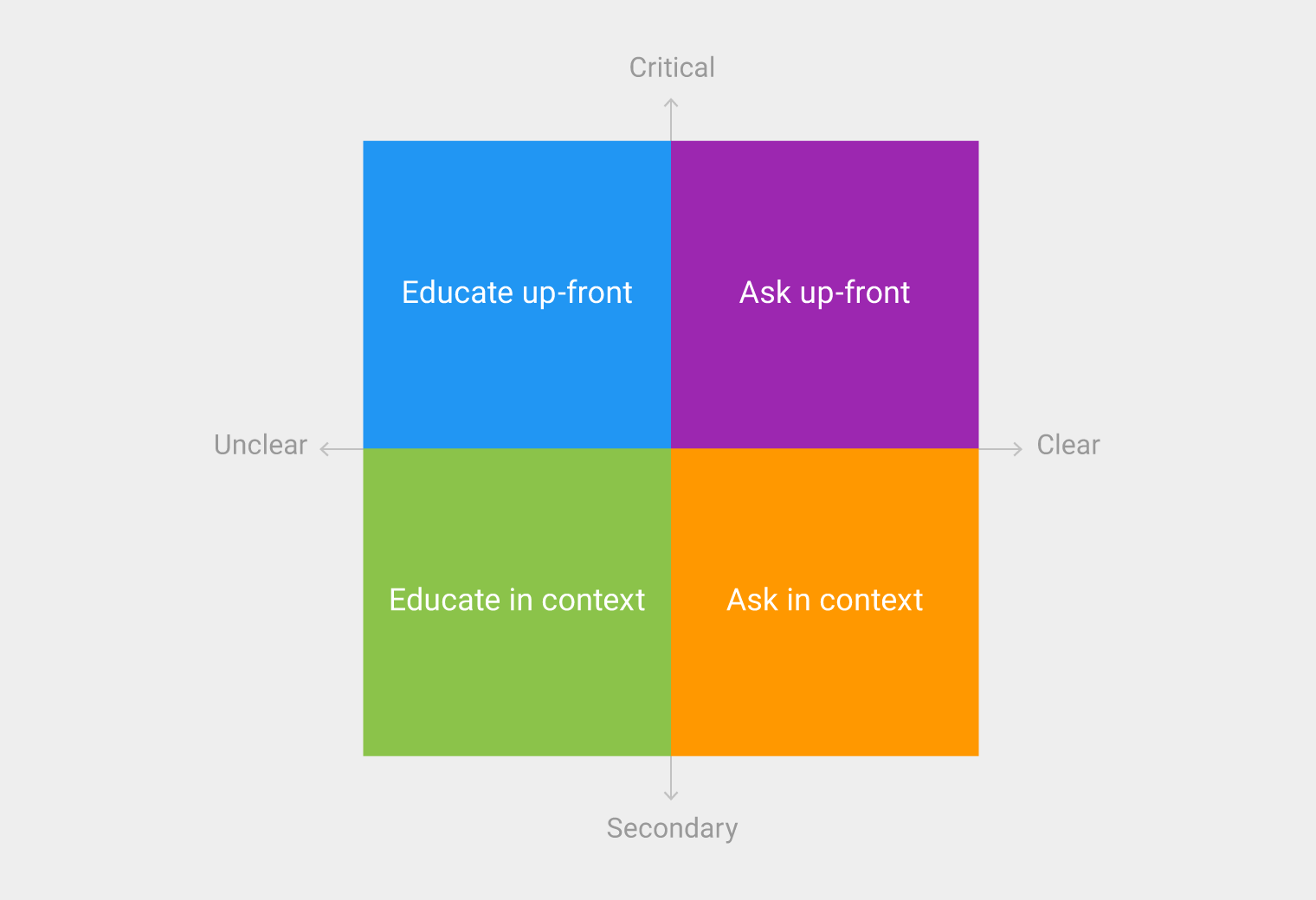
In both cases, permissions that are less clear should provide education about what the permission involves.

Educate before asking
If your app has a “warm welcome,” use it to explain what your app does and why unexpected permissions will be requested.
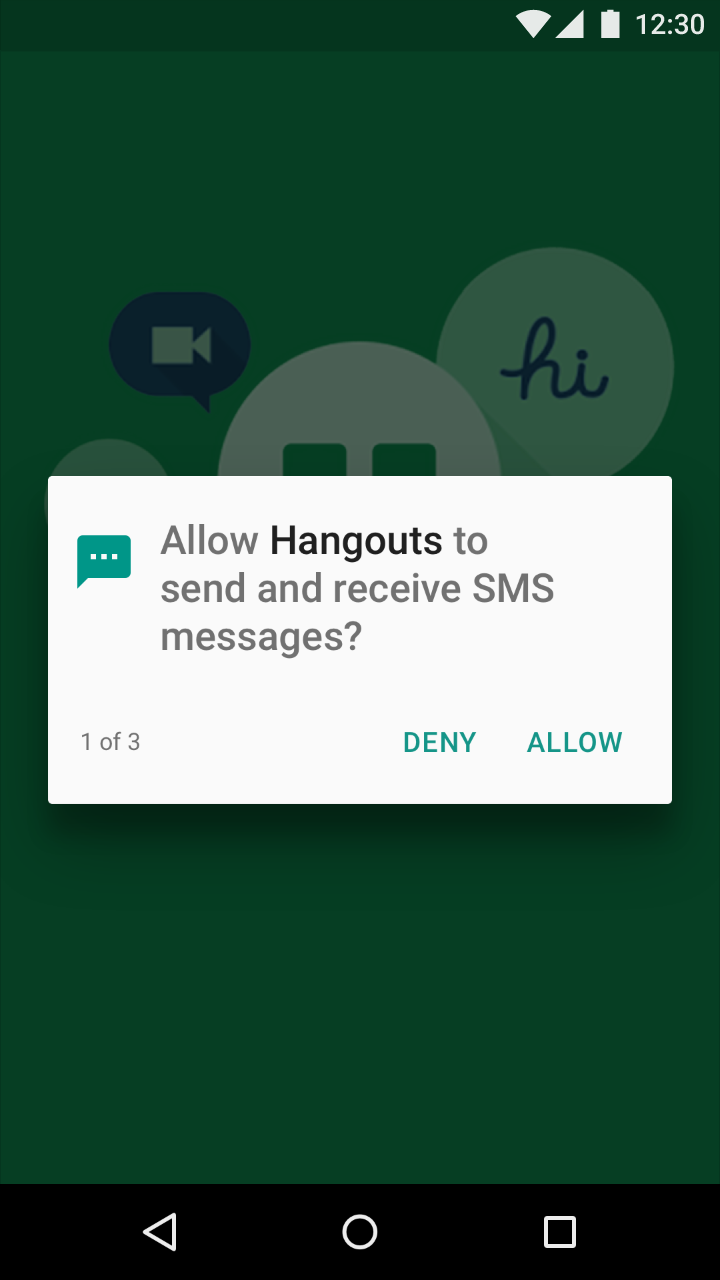
Ask up-front
Only ask for critical and obvious permissions on first launch. Because users expect a messaging app to request SMS permissions, requesting it up-front makes sense.
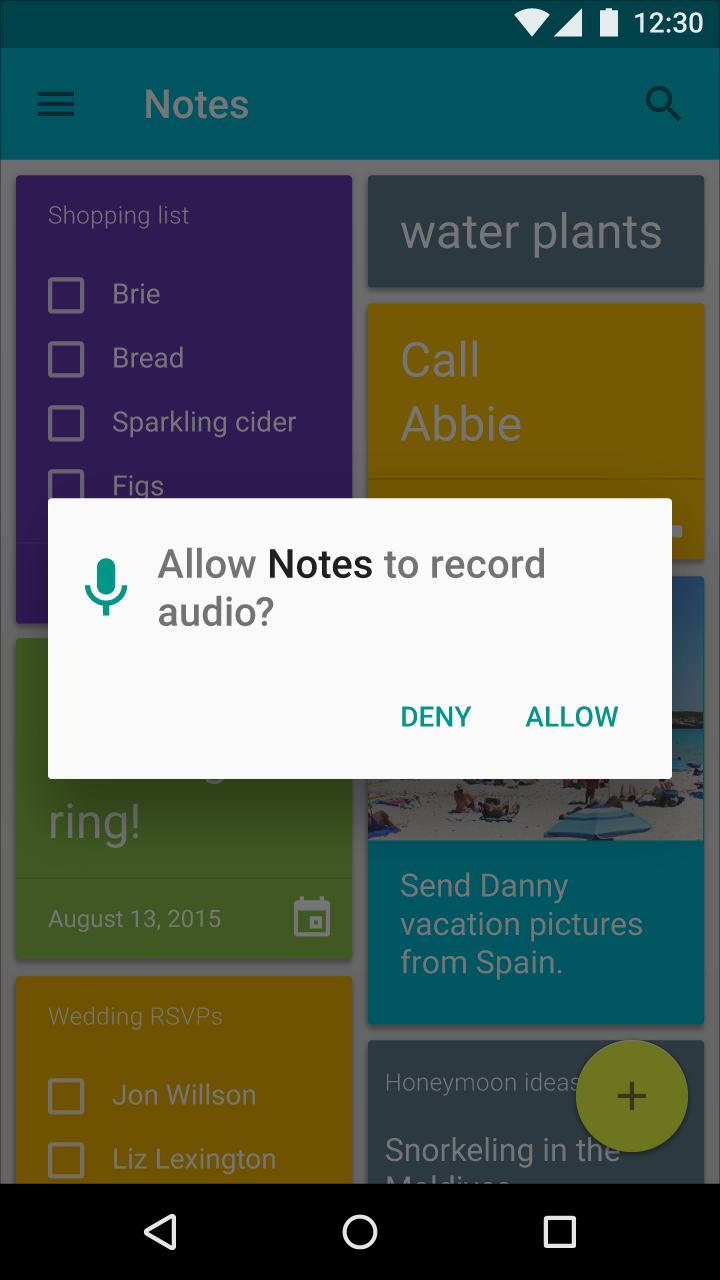
Ask in context
For non-critical permissions, wait until a feature is invoked to request permission. Users are more likely to allow a permission when they want to use the feature it enables.

Educate in context
Non-critical permissions that are less intuitive may benefit from being explained in context. Doing so improves users’ comprehension of the permission.

Provide an immediate benefit
Provide instant gratification to make accepting a permission feel justified.
Request only the permissions needed for a feature to work
When more than one permission is needed for a feature to work, ask for those permissions only and nothing extra.
Denied permissions
Provide feedback whenever a permission is denied. Because denying permissions may prevent a feature from working as intended, whenever a permission is denied it should be explained to the user.
Permission denials occur in one of two ways:
- A permission request is denied by the user
- A permission is silently denied without warning because a user once selected “Don’t ask again” from a previous permission request
To ensure that features requiring permission always behave as intended, the app should state that permission is needed and provide a way to allow it.
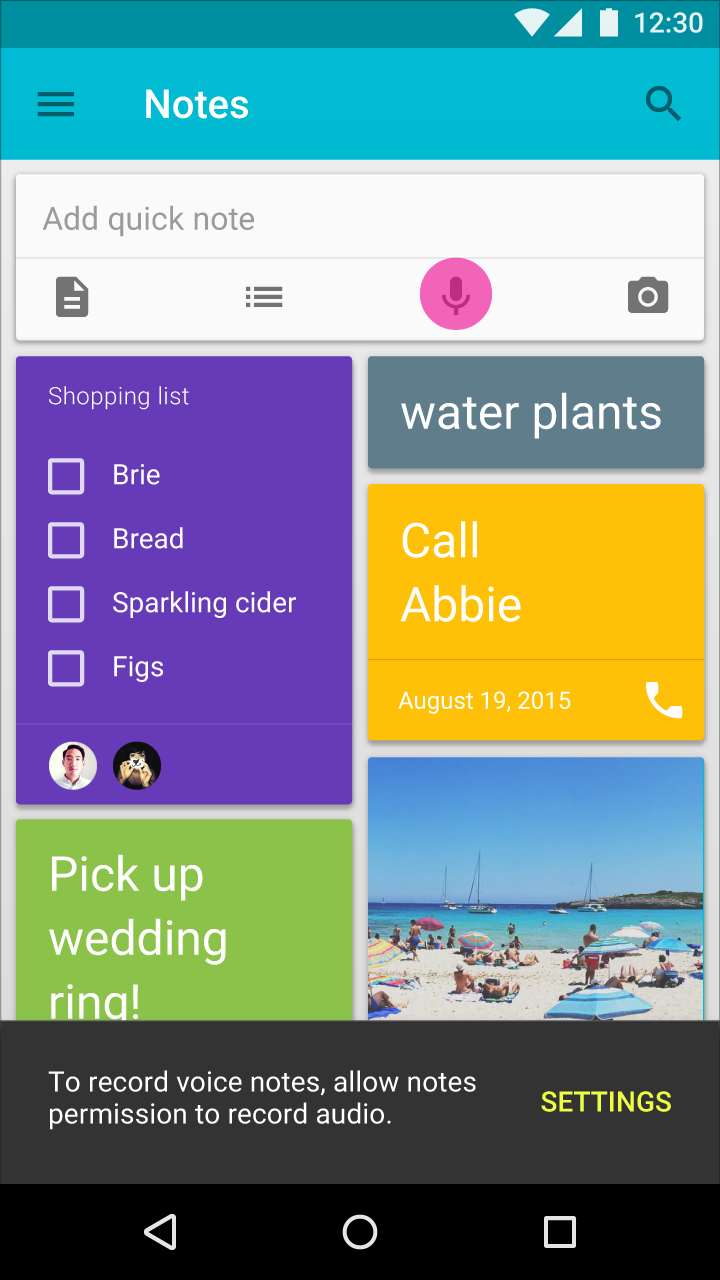
Critical permissions
If the app can no longer run because a critical permission has been denied, explain why that permission must be allowed and offer a button to open Settings so the user can allow it.