Button groups: Overview
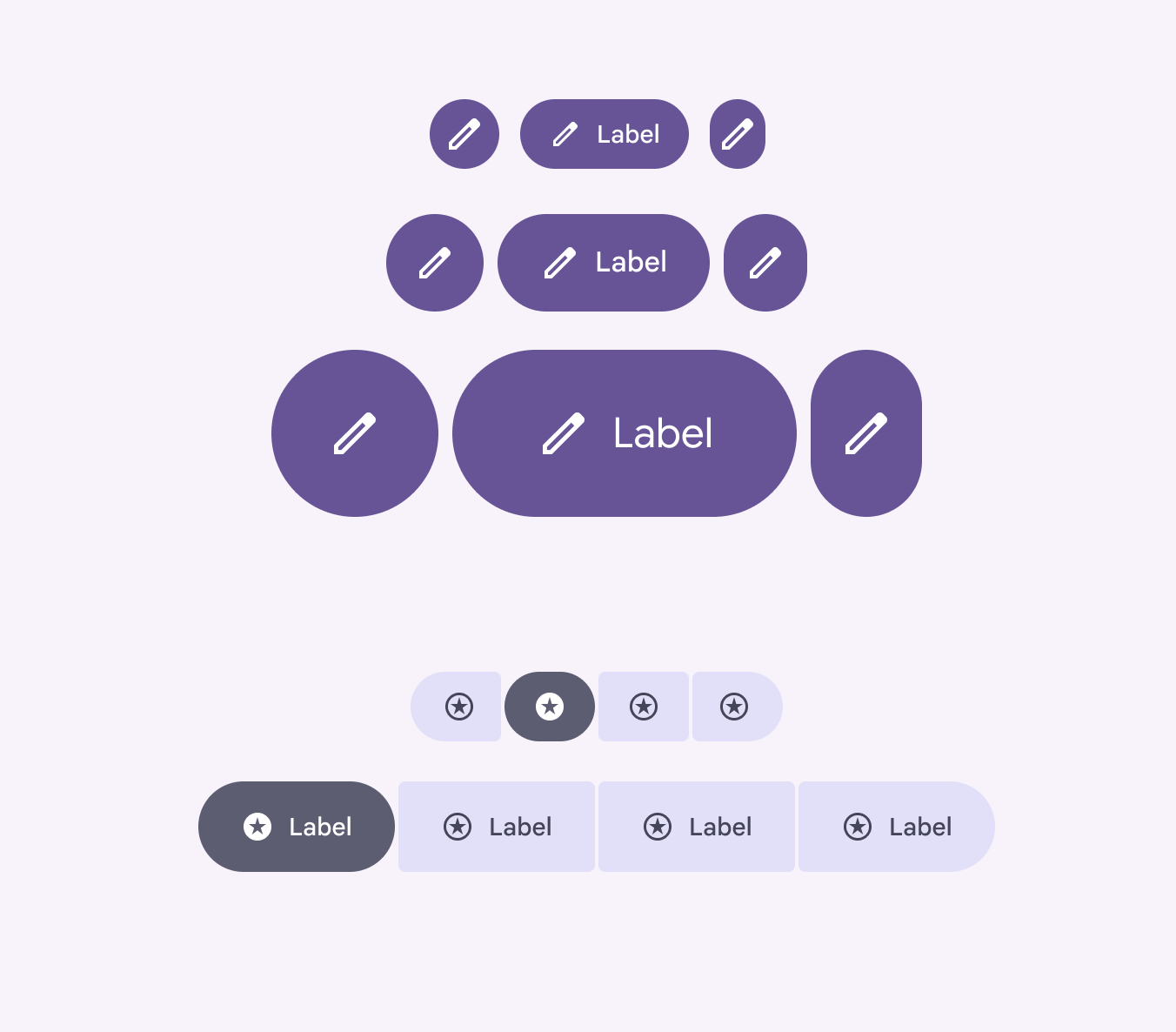
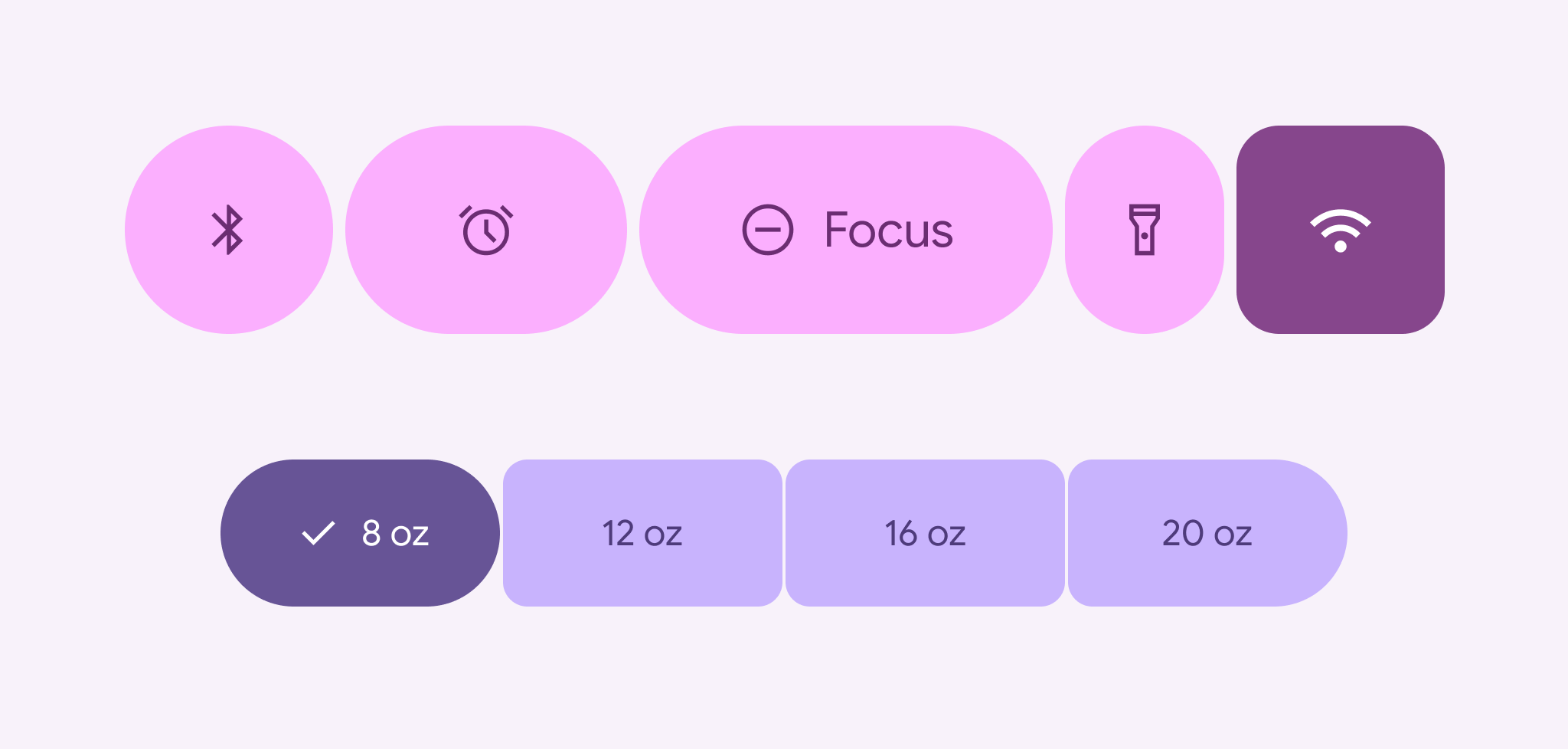
Button groups organize buttons and add interactions between them
- Two variants: standard and connected
- Applies shape morph when pressed and selected
- Connected button groups replace the segmented button
- Works with all button sizes: XS, S, M, L, and XL
- Support for single-select, multi-select, and selection-required
Availability & resources
| Type | Resource | Status |
|---|---|---|
| Design | Design Kit (Figma) | Available |
| Implementation | Jetpack Compose: Expressive | Available |
| Android Views (MDC-Android): Expressive | Available | |
| Web: Expressive | Unavailable |
M3 Expressive update
Button groups apply shape, motion, and width changes to buttons and icon buttons to make them more interactive. More on M3 Expressive
May 2025
New component added to catalog.
Variants and naming:
- Added standard button group
- Added connected button group
- Use instead of segmented button, which is no longer recommended
Configurations:
- Works with all button sizes: XS, S, M, L, and XL
- Applies default shape to all buttons: round or square